Get the App
How to Report an Incident by Phone
How to Report an Incident by Phone
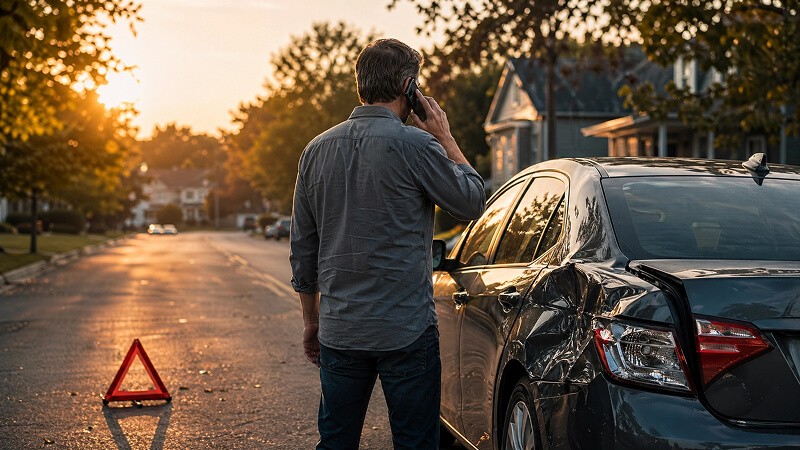
After something happens to your vehicle, it can be hard to know what to do next.
First, make sure you and everyone involved are safe. Then you can report the incident in the GDC app or through our web portal. You can use the web portal here:
https://h5.gooddriver.ai/pc.html
If you cannot use the app right away, or you are not sure what to do next, call (833) 436-7771.
Phone support is available in English, Spanish, and Chinese. The call will identify your plan, collect basic facts and your contact phone number. It helps you get the process started.
The call does not complete your report. After the call, you still need to finish reporting the incident in the app or web portal.
When You Call
If you are a Member, please call from the phone number associated with the vehicle's plan.
If a family member or friend is calling for you, they will need to enter the phone number associated with that vehicle's plan.
During the call, follow the voice prompts to enter or confirm the requested information. This helps the system find the correct plan and vehicle faster.
After the Call
After the call, you will receive a text message with a link.
If a family member or friend called for you, the text message will be sent to both the caller's number and the phone number associated with the plan.
Open the link and follow the steps in the app or web portal to finish your request.
You will need to provide a few details about the incident. This usually includes:
A description of what happened
Photos from the scene
Photos of the vehicle damage
Any other information needed to continue your report
What Happens Next
Once your incident report is submitted, a GDC Auto Damage Specialist will contact you within 1 business day.
The specialist will review the event details, confirm whether the event qualifies for sharing, and walk you through the next steps.
If your event qualifies for sharing, you can learn more about the repair process here: [Your Repair Journey with GDC]
Need Help?
If you need help during the request process, please contact customer service in the GDC app.
After something happens to your vehicle, it can be hard to know what to do next.
First, make sure you and everyone involved are safe. Then you can report the incident in the GDC app or through our web portal. You can use the web portal here:
https://h5.gooddriver.ai/pc.html
If you cannot use the app right away, or you are not sure what to do next, call (833) 436-7771.
Phone support is available in English, Spanish, and Chinese. The call will identify your plan, collect basic facts and your contact phone number. It helps you get the process started.
The call does not complete your report. After the call, you still need to finish reporting the incident in the app or web portal.
When You Call
If you are a Member, please call from the phone number associated with the vehicle's plan.
If a family member or friend is calling for you, they will need to enter the phone number associated with that vehicle's plan.
During the call, follow the voice prompts to enter or confirm the requested information. This helps the system find the correct plan and vehicle faster.
After the Call
After the call, you will receive a text message with a link.
If a family member or friend called for you, the text message will be sent to both the caller's number and the phone number associated with the plan.
Open the link and follow the steps in the app or web portal to finish your request.
You will need to provide a few details about the incident. This usually includes:
A description of what happened
Photos from the scene
Photos of the vehicle damage
Any other information needed to continue your report
What Happens Next
Once your incident report is submitted, a GDC Auto Damage Specialist will contact you within 1 business day.
The specialist will review the event details, confirm whether the event qualifies for sharing, and walk you through the next steps.
If your event qualifies for sharing, you can learn more about the repair process here: [Your Repair Journey with GDC]
Need Help?
If you need help during the request process, please contact customer service in the GDC app.

Contact@gooddriver.ai
Text Support
Report an incident
Good Driver Club is not an insurance company. This is a cost-sharing community.
©2026 Good Driver Mutuality Inc. All rights reserved.

Contact@gooddriver.ai
Text Support
Report an incident
Good Driver Club is not an insurance company. This is a cost-sharing community.
©2026 Good Driver Mutuality Inc. All rights reserved.