Get the App
Your Repair Journey with GDC
Your Repair Journey with GDC
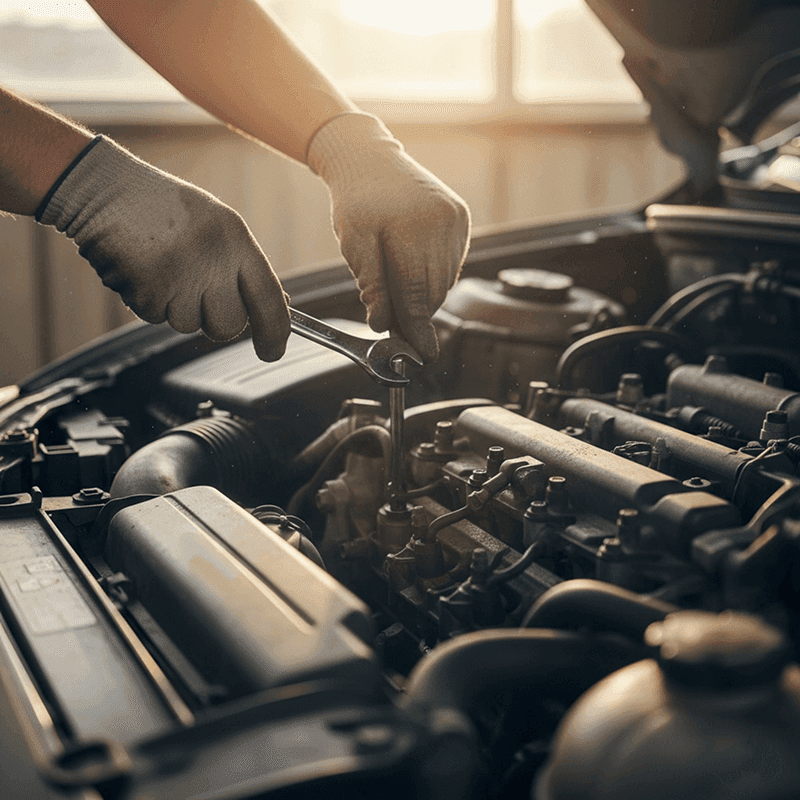
This guide explains what happens after you report an incident in the GDC app. The steps below show how the process typically moves from the first report to the point where your vehicle is ready for pickup.
Step 1: Reporting the Incident
The repair journey begins in the GDC app.
Open the app and go to Dashboard: Quick Actions → Report Incident / Assistance
You will describe what happened and upload photos if they are available.
For example, you might report a cracked windshield, body damage from a parking lot incident, or damage from a collision.
Photos help the review process begin sooner because they show the visible damage before the vehicle reaches a shop.
Step 2: Eligibility Review
Your dedicated Auto Damage Specialist will contact you within one business day to confirm incident eligibility, verify key details, and review your submitted photos and information to assess visible damage and the initial repair scope.
At this stage the goal is simple. Confirm what happened and explain the next step in the repair process.
Step 3: Scheduling the Repair Estimate
Once the initial review is complete and the Specialist determines that the event is eligible, the next step is obtaining a repair estimate.
The Member will choose a local shop from the list of GDC partner shops, if applicable. GDC's repair partner will contact the Member to schedule the estimate and repair.
During this inspection, the repair shop examines the vehicle and prepares a repair estimate. This estimate lists the parts that may need replacement, the labor required, and the expected repair work.
Step 4: Reviewing the Repair Estimate
After the shop provides the estimate, the Specialist reviews it for accuracy and ensures that the parts and repair procedures are compliant with GDC standards, OEM repair procedures, and state regulations.
Sometimes additional damage is discovered after the vehicle is partially disassembled. When this happens the shop submits a supplement.
The Specialist reviews that supplement in the same way to confirm the additional repair work.
Step 5: Scheduling the Repair Work
Once the Specialist approves the estimate, the repair shop schedules the work with the Member.
Repair timelines can vary depending on the complexity of the damage and the availability of parts.
Step 6: Weekly Announcement and Sharing
Eligible repair events are announced in the GDC app each Monday. Event details are visible to all Members.
Sharing contributions related to those events are processed the following Monday according to the Program rules.
Step 7: Updates While Repairs Are Underway
While the vehicle is being repaired, the Auto Damage Specialist continues monitoring the case.
If the shop reports changes, delays, or new repair details, the Specialist shares those updates with you through the GDC app, text, email, or phone depending on the situation.
You can also message your Specialist directly through the app if you have questions during the repair process.
Step 8: Completion and Vehicle Pickup
When the repair shop finishes the work, the shop confirms that the vehicle is ready for pickup.
The Auto Damage Specialist will then notify you that you are responsible for paying your Out-of-Pocket and Remaining Pledge Balance directly to the shop at that time.
At that point the repair journey comes to an end and the vehicle returns to normal use.
When a Repair Is Not Possible
In some situations a vehicle cannot be safely repaired. When that happens the vehicle may be considered a total loss.
If the repair path changes to a total loss determination, the Specialist explains the separate process used for that situation and guides you through the next steps. [How GDC Handles a Total Loss]
This guide explains what happens after you report an incident in the GDC app. The steps below show how the process typically moves from the first report to the point where your vehicle is ready for pickup.
Step 1: Reporting the Incident
The repair journey begins in the GDC app.
Open the app and go to Dashboard: Quick Actions → Report Incident / Assistance
You will describe what happened and upload photos if they are available.
For example, you might report a cracked windshield, body damage from a parking lot incident, or damage from a collision.
Photos help the review process begin sooner because they show the visible damage before the vehicle reaches a shop.
Step 2: Eligibility Review
Your dedicated Auto Damage Specialist will contact you within one business day to confirm incident eligibility, verify key details, and review your submitted photos and information to assess visible damage and the initial repair scope.
At this stage the goal is simple. Confirm what happened and explain the next step in the repair process.
Step 3: Scheduling the Repair Estimate
Once the initial review is complete and the Specialist determines that the event is eligible, the next step is obtaining a repair estimate.
The Member will choose a local shop from the list of GDC partner shops, if applicable. GDC's repair partner will contact the Member to schedule the estimate and repair.
During this inspection, the repair shop examines the vehicle and prepares a repair estimate. This estimate lists the parts that may need replacement, the labor required, and the expected repair work.
Step 4: Reviewing the Repair Estimate
After the shop provides the estimate, the Specialist reviews it for accuracy and ensures that the parts and repair procedures are compliant with GDC standards, OEM repair procedures, and state regulations.
Sometimes additional damage is discovered after the vehicle is partially disassembled. When this happens the shop submits a supplement.
The Specialist reviews that supplement in the same way to confirm the additional repair work.
Step 5: Scheduling the Repair Work
Once the Specialist approves the estimate, the repair shop schedules the work with the Member.
Repair timelines can vary depending on the complexity of the damage and the availability of parts.
Step 6: Weekly Announcement and Sharing
Eligible repair events are announced in the GDC app each Monday. Event details are visible to all Members.
Sharing contributions related to those events are processed the following Monday according to the Program rules.
Step 7: Updates While Repairs Are Underway
While the vehicle is being repaired, the Auto Damage Specialist continues monitoring the case.
If the shop reports changes, delays, or new repair details, the Specialist shares those updates with you through the GDC app, text, email, or phone depending on the situation.
You can also message your Specialist directly through the app if you have questions during the repair process.
Step 8: Completion and Vehicle Pickup
When the repair shop finishes the work, the shop confirms that the vehicle is ready for pickup.
The Auto Damage Specialist will then notify you that you are responsible for paying your Out-of-Pocket and Remaining Pledge Balance directly to the shop at that time.
At that point the repair journey comes to an end and the vehicle returns to normal use.
When a Repair Is Not Possible
In some situations a vehicle cannot be safely repaired. When that happens the vehicle may be considered a total loss.
If the repair path changes to a total loss determination, the Specialist explains the separate process used for that situation and guides you through the next steps. [How GDC Handles a Total Loss]

Contact@gooddriver.ai
Text Support
Good Driver Club is not an insurance company. This is a cost-sharing community.
©2026 Good Driver Mutuality Inc. All rights reserved.

Contact@gooddriver.ai
Text Support
Good Driver Club is not an insurance company. This is a cost-sharing community.
©2026 Good Driver Mutuality Inc. All rights reserved.